The 3 AM Reality: Signal Dropouts & Fragile Units
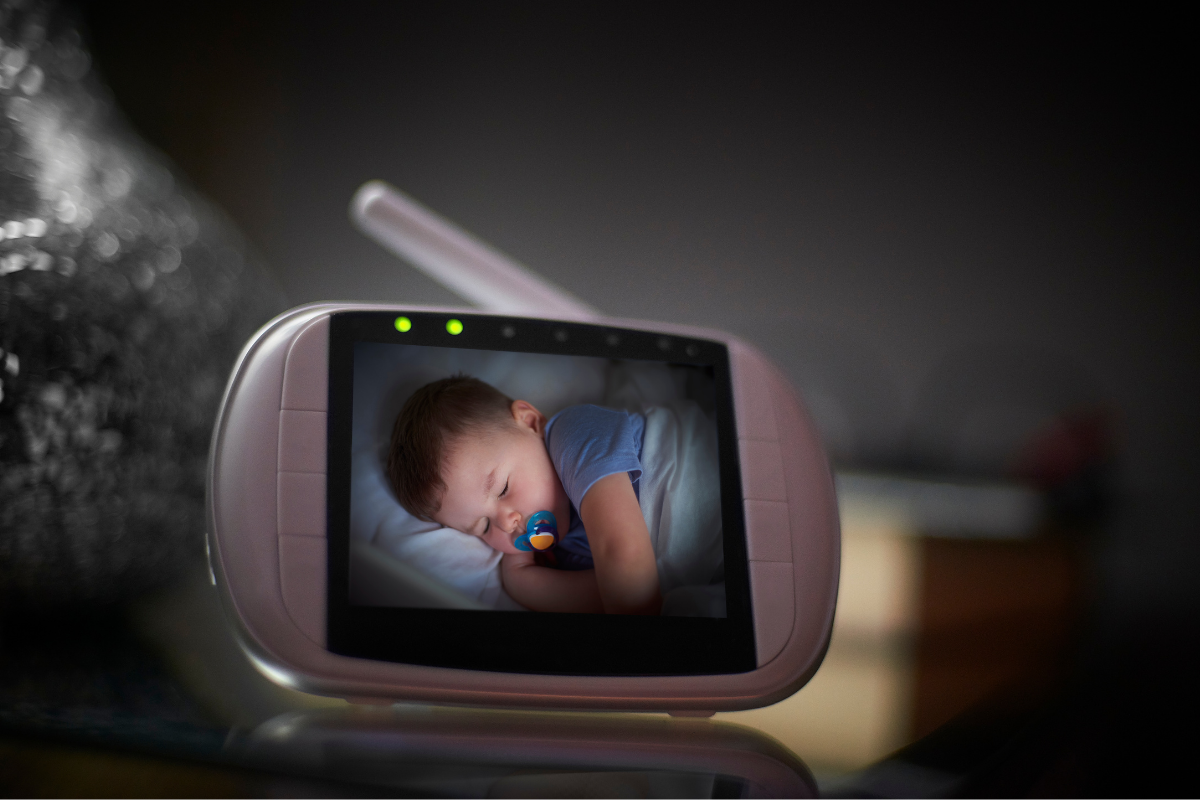
The core function of a baby monitor is to provide eyes and ears on the Asset while you’re out of immediate range. But too often, this critical intel breaks down. Whether it’s a flimsy parent unit shattering after a butter-fingered drop at 2 AM, a signal refusing to punch through a standard brick wall, or night vision so pixelated you can’t tell if the Asset is breathing or attempting a jailbreak, these are mission-critical failures. We’re talking about tools that need to stand up to the rough and tumble of daily deployment, not delicate aesthetic pieces. This isn't about looking good; it's about staying connected and ensuring the Asset is secure.
Operational Protocols: Fortifying Your Perimeter
To counteract common monitor vulnerabilities, our team has developed a set of field-tested protocols. These are designed to minimise friction and maximise your situational awareness, even when running on fumes.
Protocol 01: Fortify Your Signal Integrity
The Strategy: Prioritise monitors utilising Frequency Hopping Spread Spectrum (FHSS) technology over standard Wi-Fi setups for superior range and stability, especially in common Australian building materials.
The Failure State: I remember trying to do some overdue DIY in the shed after the Asset was down, only to have the Wi-Fi monitor drop out every ten minutes. Spent more time pacing around the backyard like a madman trying to get a signal than actually getting anything done. It was a pointless exercise in frustration, and all that time I was second-guessing if the baby was still asleep.
The Action: When scouting new gear, always check the transmission type. FHSS units are engineered to cut through interference and cover a wider, more consistent range, making them ideal for the typical Aussie brick-and-tile home. Position the camera unit centrally within the child's sleep zone, ensuring no large metal objects or high-power electronics are directly between it and your parent unit.
Protocol 02: Build for Battlefield Durability
The Strategy: Select baby monitor 'parent' units that are designed to withstand accidental drops, bumps, and the general chaos of a household with young kids. This means looking beyond the screen to the casing and button construction.
The Failure State: I’d just poured myself a lukewarm cuppa and was trying to quietly sneak a biscuit. In my sleep-deprived state, the parent unit slid off the kitchen bench and landed screen-down on the tiles. Watched it spiderweb like a poorly aimed footy kick. That was a long night, trying to hear every peep through a closed door, feeling utterly blind.
The Action: Look for parent units with robust, impact-resistant plastic casings, reinforced corners, and recessed screens. Rubberised grips are a bonus. Before deployment, consider a basic screen protector or a generic rugged case to add an extra layer of defence. Buttons should be tactile and easy to operate without looking, not flimsy or mushy.
Protocol 03: Master the 3 AM Power Play
The Strategy: Implement strict battery management protocols for your parent unit and understand the power requirements of your camera units to prevent unexpected blackouts.
The Failure State: The parent unit battery always seemed to give up the ghost right when I needed it most, usually between 2 AM and 4 AM. I’d wake up in a panic because there was no sound, scrambling in the dark for the charger, only to realise the Asset was still flat out, completely oblivious. It felt like playing Russian roulette with my remaining sleep.
The Action: Always return the parent unit to its charging base or plug it in at the end of each shift. Camera units are almost universally mains-powered for continuous operation; secure their power cords away from prying toddler hands. If your parent unit offers a 'VOX' or 'ECO' mode (voice activated standby), engage it to conserve battery life, only activating the screen and sound when the baby makes noise. This is about efficient power use, not just leaving it on charge until it flashes.
Approved Hardware Recon: Top 3 Solutions
If your current setup is failing, deployment of verified hardware is required. Here is the field data on the top three solutions currently on the Australian market for this exact scenario.
| Hardware Unit (Brand/Model) | Mechanical Utility Benefit | Tactical Command Link |
|---|---|---|
| Oricom Secure870 Digital Video Baby Monitor | Offers a secure FHSS digital connection with a large 4.3-inch display and multi-camera support for comprehensive coverage. | Deploy Unit 01 |
| VTech BM5500-OWL Smart Wi-Fi 5-inch FHD Pan & Tilt Monitor | Features a durable parent unit, robust FHSS connection, and a unique owl-shaped camera with pan/tilt/zoom functionality. | Deploy Unit 02 |
| Uniden BW4151R 4.3" Digital Wireless Baby Monitor | Provides a reliable, interference-free FHSS connection, two-way talk, and a secure multi-camera capability for larger deployments. | Deploy Unit 03 |
Frequently Asked Questions (Sector Intel)
Is Wi-Fi or FHSS better for baby monitors?
FHSS (Frequency Hopping Spread Spectrum) monitors offer a direct, secure connection between the camera and parent unit, making them less susceptible to Wi-Fi interference and external hacking. Wi-Fi monitors can offer more features (like app access) but rely on your home network and can have range issues through dense walls. For raw reliability and simplicity, FHSS often gets the nod.
How can I improve my baby monitor's range?
To maximise range, ensure the camera unit is centrally located in the Asset's room with a clear line of sight to areas where you'll use the parent unit. Avoid placing large electronics or metal objects between the units that can block the signal. Elevating the camera slightly can also help, as can choosing an FHSS unit specifically designed for extended range.
What should I look for in night vision quality?
Good night vision means you can clearly discern the Asset's position and subtle movements, not just a blurry outline. Look for monitors that specify "clear infrared night vision" or similar. Pay attention to reviews regarding image clarity in low light. Some monitors offer higher resolution feeds, which directly translates to better detail, even in the dark.
TRANSPARENCY PROTOCOL: To maintain absolute intelligence integrity and fund ongoing field research, some links in this protocol manual are tracked utility links. If you deploy gear through these parameters, the manufacturer routes a small processing kickback to DaddyDo Command at zero additional cost to your unit. Full transparency, zero fumble.
Share:
Psychological Ops: Defeating "Dad Guilt"
Modular Pram Systems: Active Dad Specs