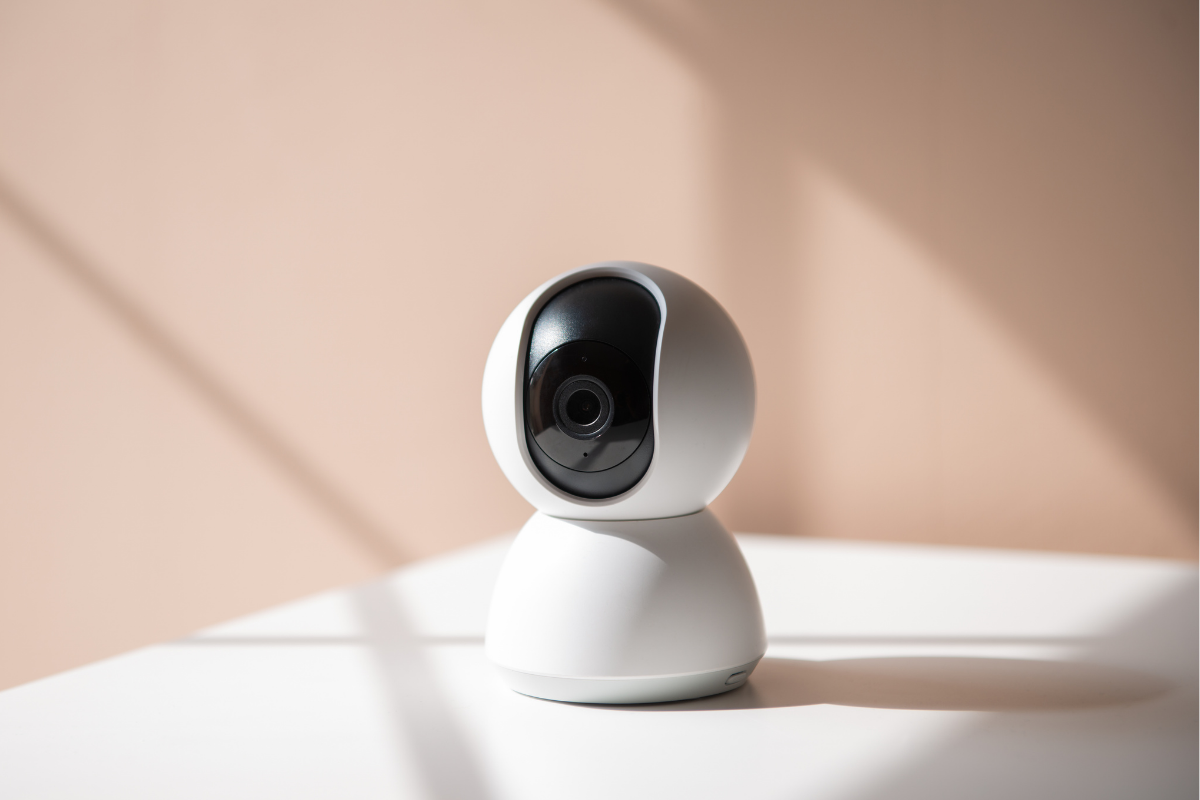
The 3 AM Reality: Travel Monitor Battery Meltdown
There's nothing quite like packing up the Asset for a holiday, convinced you've covered every operational contingency, only for your trusty travel monitor to flat-line at 1 AM in a foreign room. We’ve been there. The immediate, gut-punch realisation that the 'portable' unit you bought actually needs to be tethered to a wall like a bloody landline, or that the battery life advertised was clearly for a lab-conditions scenario, not real-world, 3 AM duty. The result is a broken sleep cycle for the Asset, and a high-stress scramble for the Operators. It's a zero-fumble zone where a dead battery means the difference between a few precious hours of rest and a full system breakdown.
Operational Protocols: Mobile Surveillance Integrity
Our field testing has identified critical vulnerabilities in standard travel monitor deployment. These protocols are designed to eliminate user error and maximise your surveillance uptime, even when running on fumes.
Protocol 01: Pre-Deployment Battery Health Check
The Strategy: Verify the actual remaining charge and health of all monitor components before leaving Home base. Don't trust the indicator light.
The Action: Conduct a full charge cycle on both the parent unit and, if applicable, the camera unit, 24 hours before departure. Run a simulated operation for at least an hour to observe real-world battery drain. Carry a portable power bank as standard issue for emergency top-ups.
Protocol 02: Strategic Power Management in Foreign Zones
The Strategy: Adapt your power strategy to the operational environment. Not every hotel room or grandparent's house has a conveniently located power point near the Asset’s cot, or even enough spare sockets. We found ourselves once trying to monitor the Asset from the next room, but the camera needed to be plugged in, and the only socket was behind a massive dresser that took two of us to move. It’s a classic friction point.
The Action: Prioritise camera placement for optimal view, then locate the nearest power source. If the camera requires mains power, pack a small extension lead or a multi-plug adapter for flexibility. If the camera is truly battery-powered, conserve its charge by powering it down during active duty periods (e.g., when you’re in the same room) and only activate when remote monitoring is essential.
Protocol 03: Signal Integrity & Interference Mitigation
The Strategy: Wi-Fi networks in hotels or shared accommodation can be notoriously unreliable, leading to dropped signals and frustrating reconnection delays.
The Action: Opt for FHSS (Frequency Hopping Spread Spectrum) monitors for travel where possible, as they create a direct, secure connection between units, bypassing flaky Wi-Fi. If using a Wi-Fi monitor, connect to the strongest available network. Keep the parent unit charged, as constant searching for signal is a major power drain. For older brick houses, position the camera and parent unit as close as operationally feasible.
Approved Hardware Recon: Top 3 Solutions
If your current setup is failing, deployment of verified hardware is required. Here is the field data on the top three solutions currently on the Australian market for this exact scenario.
| Hardware Unit (Brand/Model) | Mechanical Utility Benefit | Tactical Command Link |
|---|---|---|
| Eufy Spaceview S360 Monitor | Camera unit features a substantial 5000mAh rechargeable battery, allowing cord-free deployment for flexible travel setups. | Deploy Eufy Spaceview S360 |
| iBaby Monitor M2C Pro | Compact, app-controlled camera with a 2000mAh internal battery, ideal for discreet, portable monitoring without mains power. | Deploy iBaby Monitor M2C Pro |
| VTech BM2800 Video Baby Monitor | Reliable FHSS monitor with a rechargeable parent unit (camera is mains powered), offering secure connection for travel with accessible sockets. | Deploy VTech BM2800 |
Frequently Asked Questions (Sector Intel)
How can I extend my travel monitor's battery life on holiday?
To maximise battery life, always fully charge both units before departure. Reduce screen brightness, activate power-saving modes, and only use sound-activated monitoring instead of continuous video feed. Power down the unit when not actively monitoring the baby to conserve charge.
Are Wi-Fi or FHSS monitors better for travel?
FHSS (Frequency Hopping Spread Spectrum) monitors are generally more reliable for travel due to their direct, secure connection that doesn't rely on external Wi-Fi networks. Wi-Fi monitors can offer greater range and app integration but are dependent on stable internet, which can be inconsistent in travel locations.
What should I do if my travel monitor camera requires mains power and I'm off-grid?
If your camera unit is mains-powered, genuine off-grid operation is not possible without a portable power station with an AC output or a car inverter. For true off-grid scenarios, consider a fully battery-powered audio-only monitor or a specific battery-powered security camera repurposed for monitoring.
TRANSPARENCY PROTOCOL: To maintain absolute intelligence integrity and fund ongoing field research, some links in this protocol manual are tracked utility links. If you deploy gear through these parameters, the manufacturer routes a small processing kickback to DaddyDo Command at zero additional cost to your unit. Full transparency, zero fumble.
Share:
Air Transit Ops: Essential Flight Gear
Bottle Sanitization: The Standard Manual